
Guides · 4 steps
How to import and share .wastickers packs
A .wastickers file contains a sticker pack you can import into Sticker Downloader. Exporting is useful when you want to keep a copy or send a complete pack to another person.
Available on Google Play and AppGallery
Before you begin
Sticker Downloader on Android and either a local sticker pack or a .wastickers file you received.
Export a pack from your library
Open a local pack and choose its export option. The app creates a .wastickers file containing the pack’s stickers and metadata.
Review your pack’s stickers before adding it to WhatsApp or exporting it. 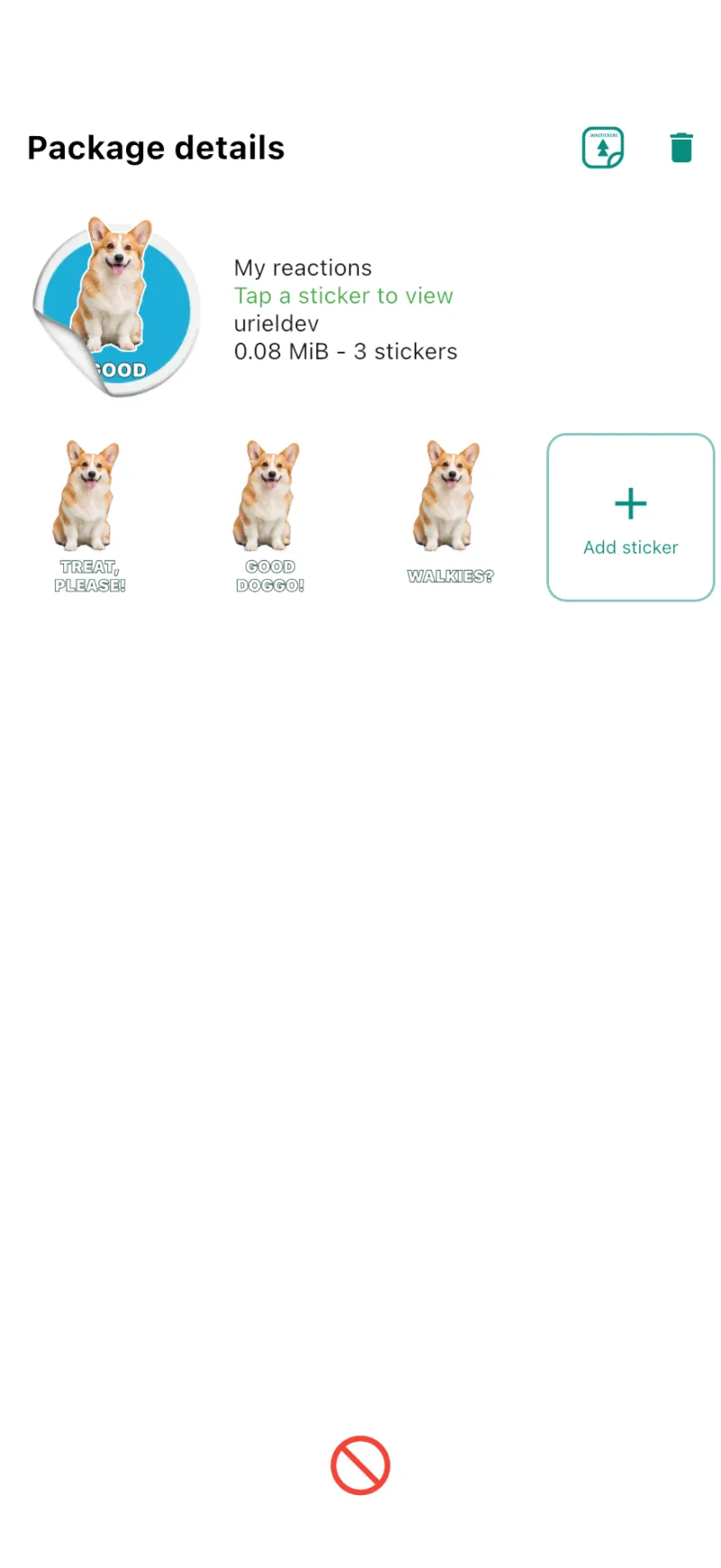
Share or save the file
Use the system share sheet to send the file, or save a copy to your device. The recipient needs an app that can import .wastickers packs.
Import a file you received
Choose Import file in Sticker Downloader, select the .wastickers file, and wait for the preview. On supported Android devices you can also open the file directly with the app.
Check the contents of the .wastickers file before confirming the import. 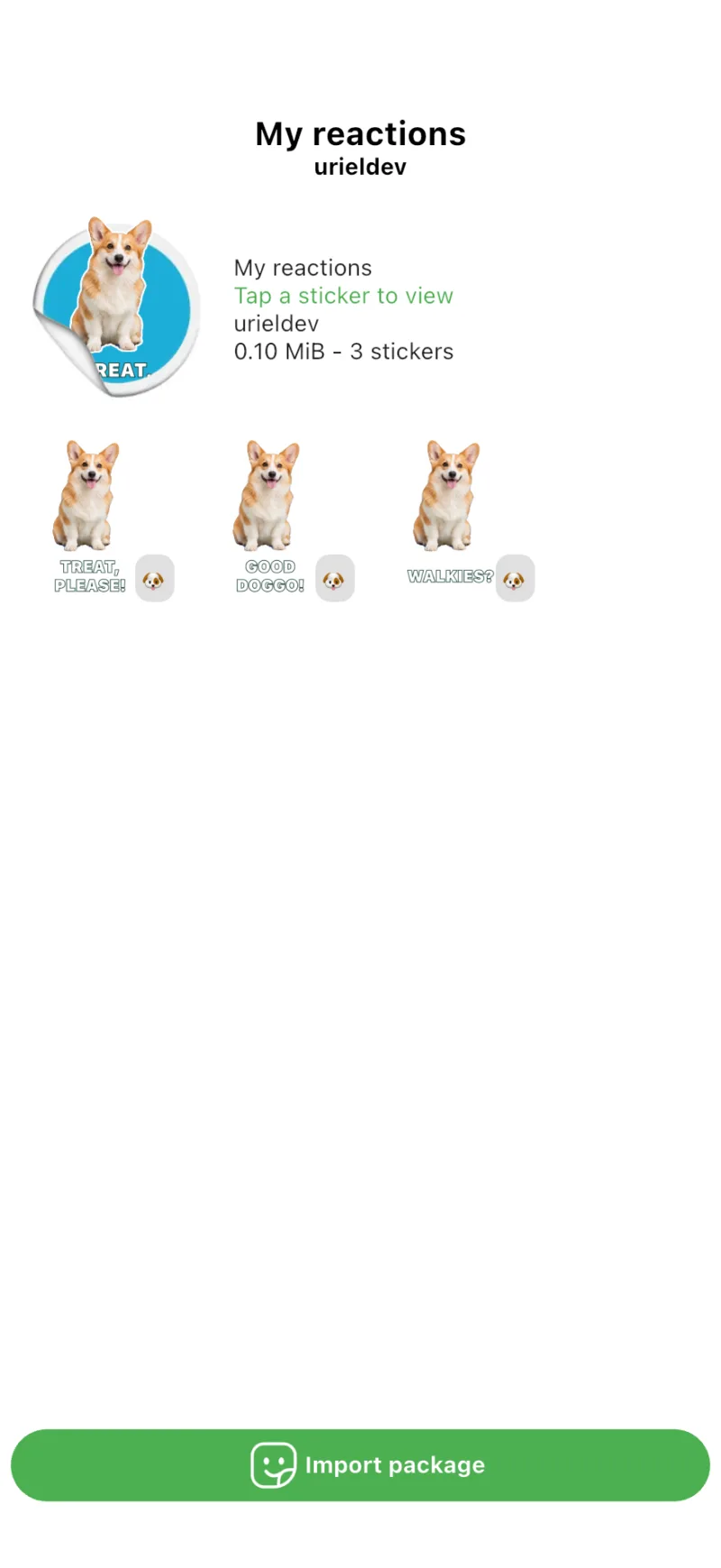
Preview, save, and add to WhatsApp
Check the preview and confirm the import to save the pack in your library. Open the saved pack and use the WhatsApp button to add it to your chats.