
Guides · 4 steps
How to use Telegram stickers in WhatsApp
You found the perfect reactions on Telegram. Sticker Downloader helps you download a public pack and prepare it for WhatsApp without converting the files yourself.
Available on Google Play and AppGallery
Before you begin
An Android phone, Sticker Downloader, WhatsApp, and the public link or name of a Telegram sticker pack.
Copy the pack link in Telegram
Open a sticker pack in Telegram and use its sharing option to copy the link. Public pack links commonly start with t.me/addstickers/. A public pack name also works.
Paste it into Sticker Downloader
Open Sticker Downloader, choose the download option, and paste the pack link or enter its name. Start the download and keep an internet connection while it finishes.
Paste the public pack link you copied from Telegram or Sticker.ly here. 
Preview the downloaded pack
Open the pack in your library and check its stickers. The app prepares supported static and animated stickers. Large packs may appear as several smaller packs.
Review your pack’s stickers before adding it to WhatsApp or exporting it. 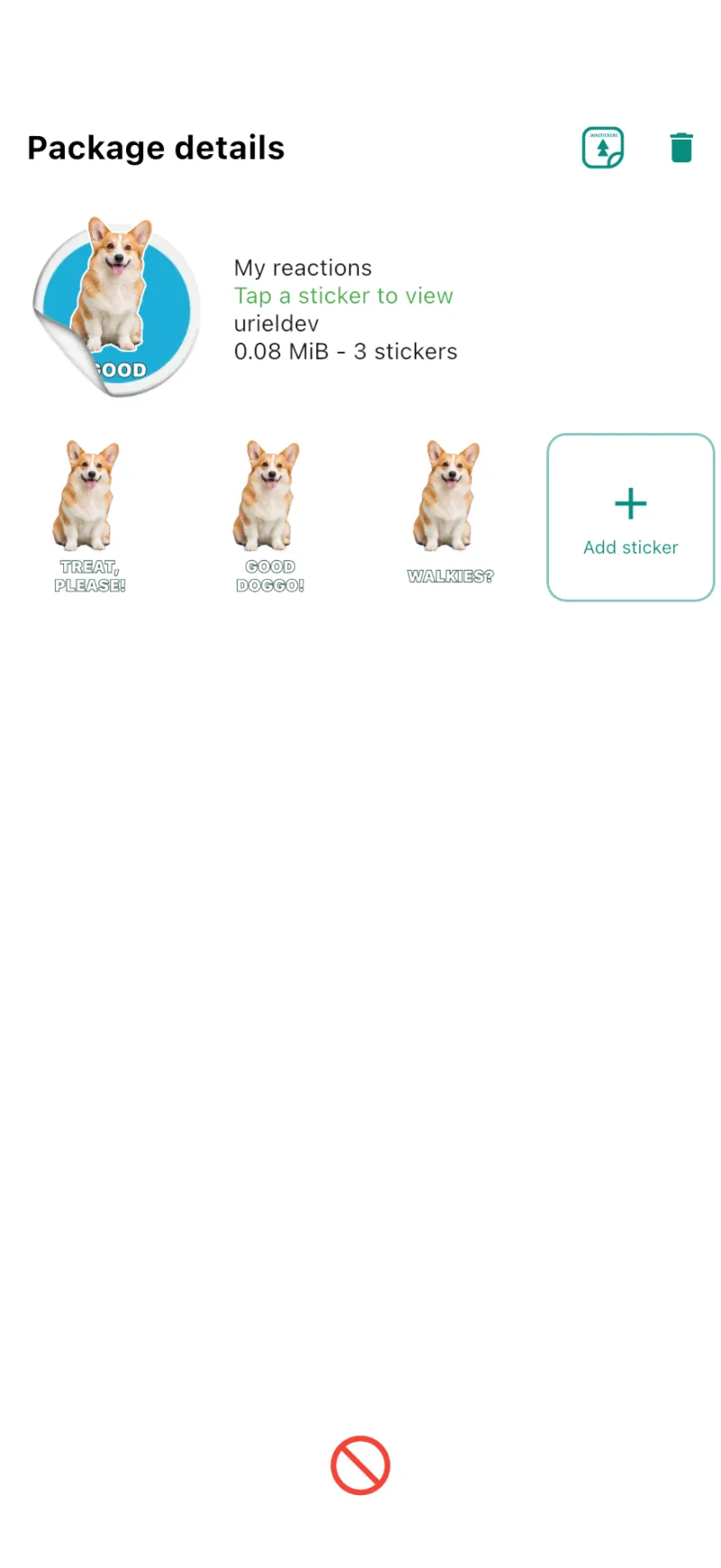
Add the pack to WhatsApp
Tap the WhatsApp button in the pack and confirm in WhatsApp. Open a chat, go to the sticker panel, and select your new pack. Repeat for any additional subpacks you want.