
Guides · 4 steps
How to download Sticker.ly packs for WhatsApp
Keep the packs you discover on Sticker.ly together with the rest of your stickers. Start with the pack’s share link, then preview the result before adding it to WhatsApp.
Available on Google Play and AppGallery
Before you begin
An Android phone with Sticker Downloader and WhatsApp, an internet connection, and a public Sticker.ly pack link.
Copy the shared Sticker.ly link
Open the pack on Sticker.ly and use Share to copy its pack link. Copy the full link so the app can identify the correct pack.
Download the pack
Open the download screen in Sticker Downloader, paste the shared link, and start the download. Wait while the app downloads and prepares the supported stickers.
Paste the public pack link you copied from Telegram or Sticker.ly here. 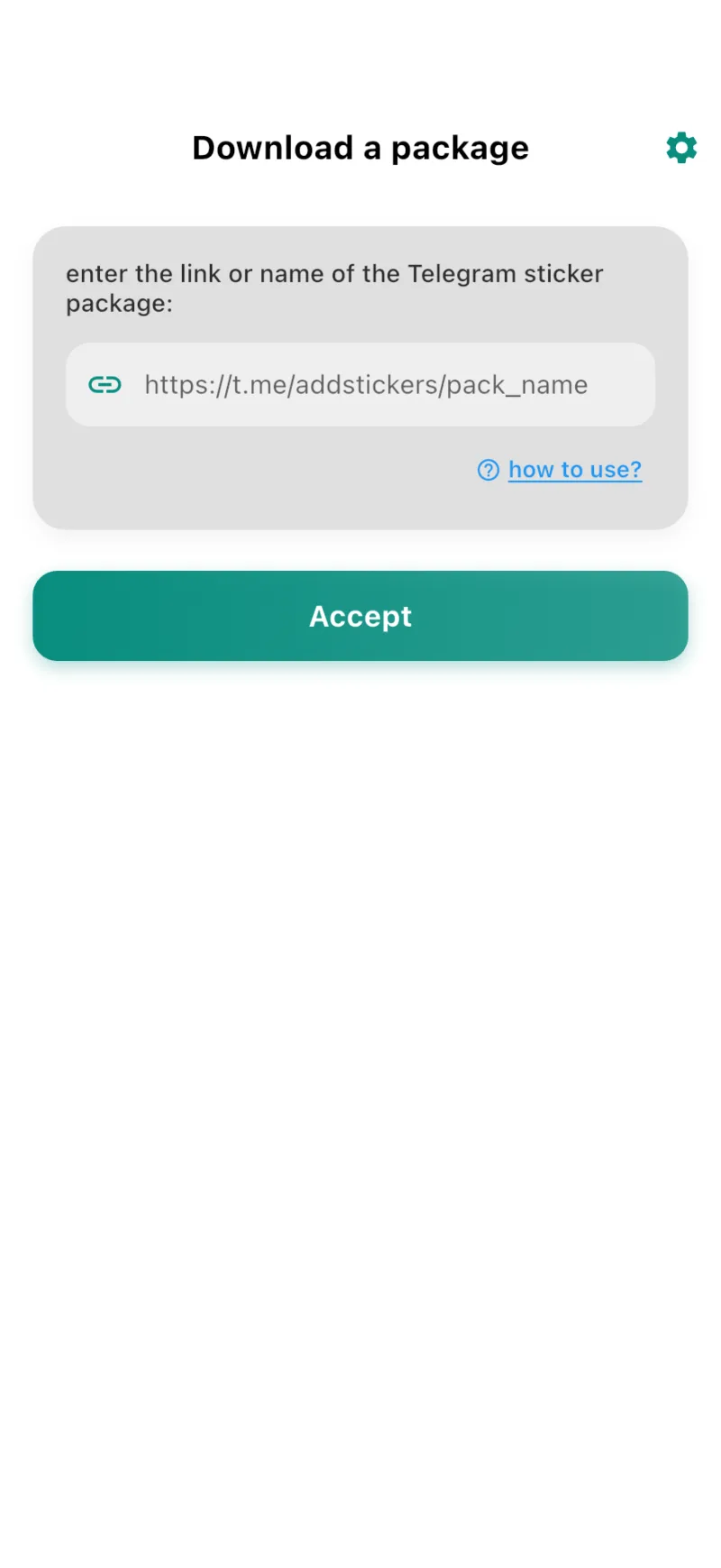
Check your library
Open the downloaded pack in your library. Preview its stickers to make sure it is the collection you wanted.
Review your pack’s stickers before adding it to WhatsApp or exporting it. 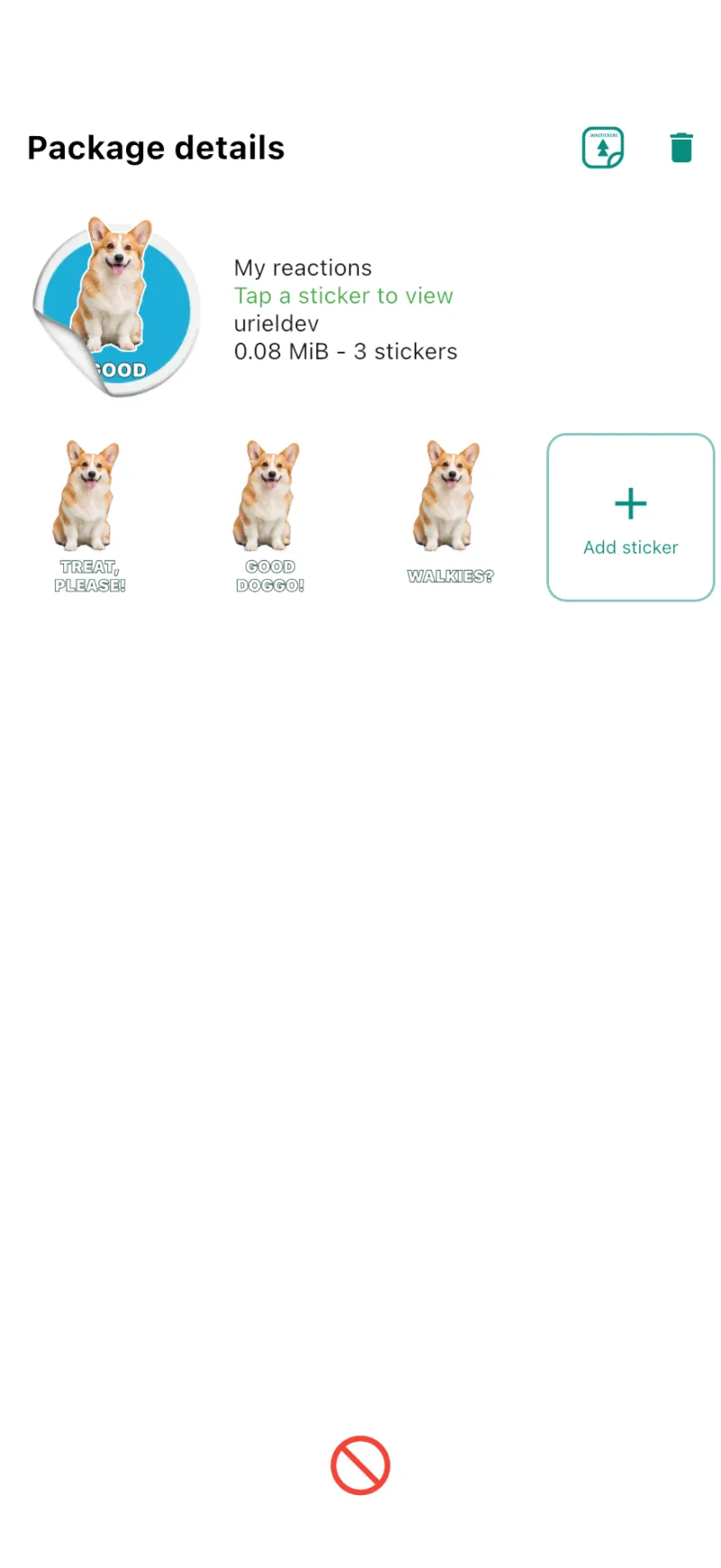
Confirm in WhatsApp
Tap the WhatsApp button and confirm the addition. Your pack will appear in WhatsApp’s sticker panel when you open a chat.